


Streamline your projects, simplify your life
Manage resources, budgets, and timelines with confidence, whether you’re handling simple tasks or complex engineering projects.




Top-performing agencies and firms trust our expertise






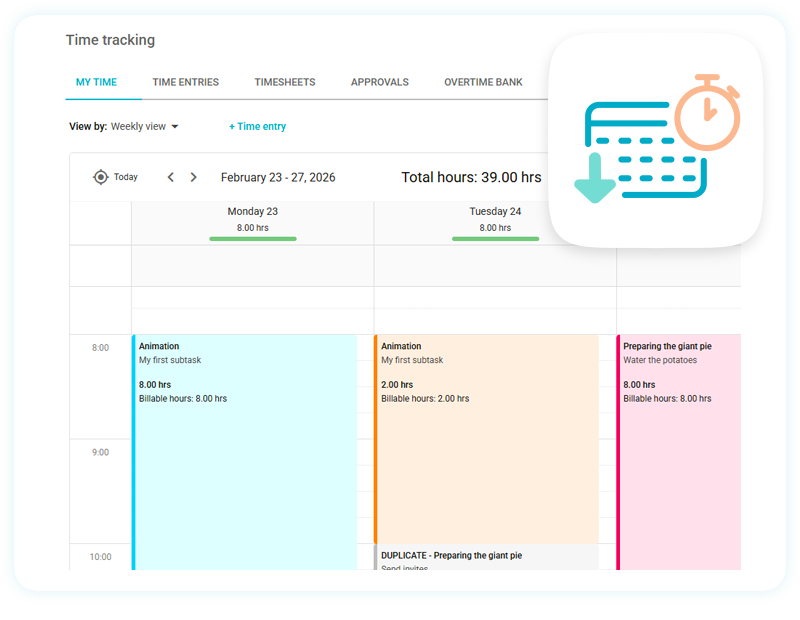
Track time spent on tasks
Choose from Gantt charts, task lists, project calendars, and other task management tools to visually track the time you and your team spend on your engineering projects. Run a timer on a task as you work, and easily add it to your client’s final invoice.
- Capture the time spent on different tasks and add it to your client’s invoice
- Assign tasks efficiently
- Keep your team busy and productive
- Get an instant overview of your billable time
Plan and organize resources
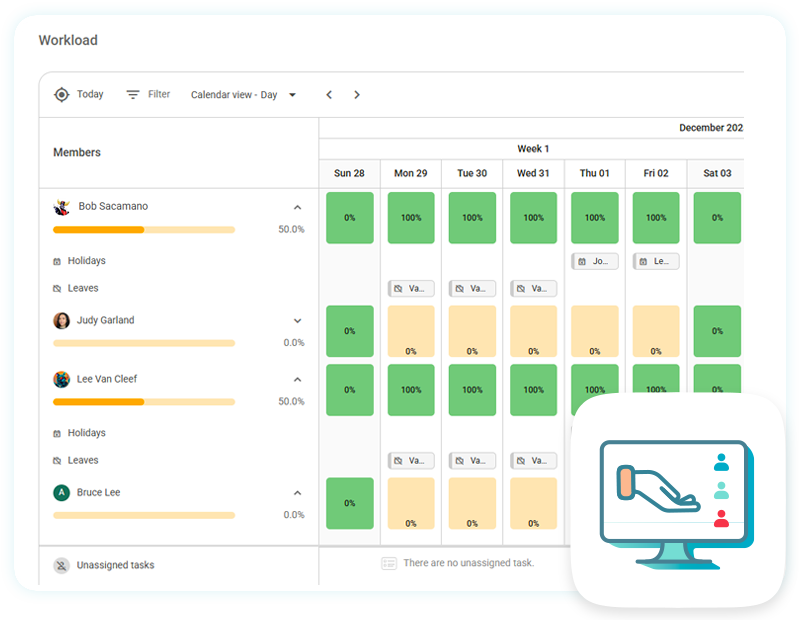
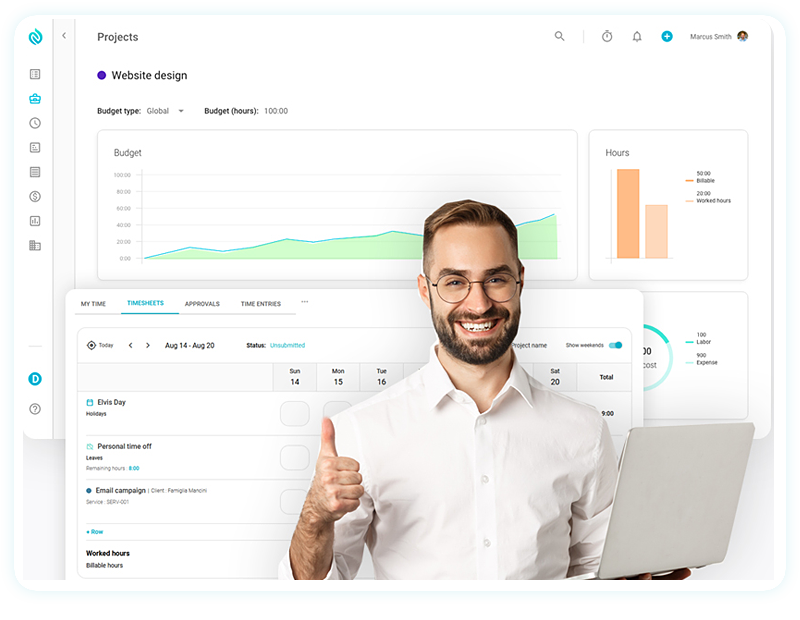
Acquire complete visibility into employee effort with our robust Agile engineering project management tool. Use the workload view and individual timesheets to ensure that responsibilities are handled equally and that deadlines are met.
- Break down a project into phases
- Manage your team’s workload in real time
- Know your team’s capacity
- Prevent potential bottlenecks
Plan, manage, and collaborate on any project
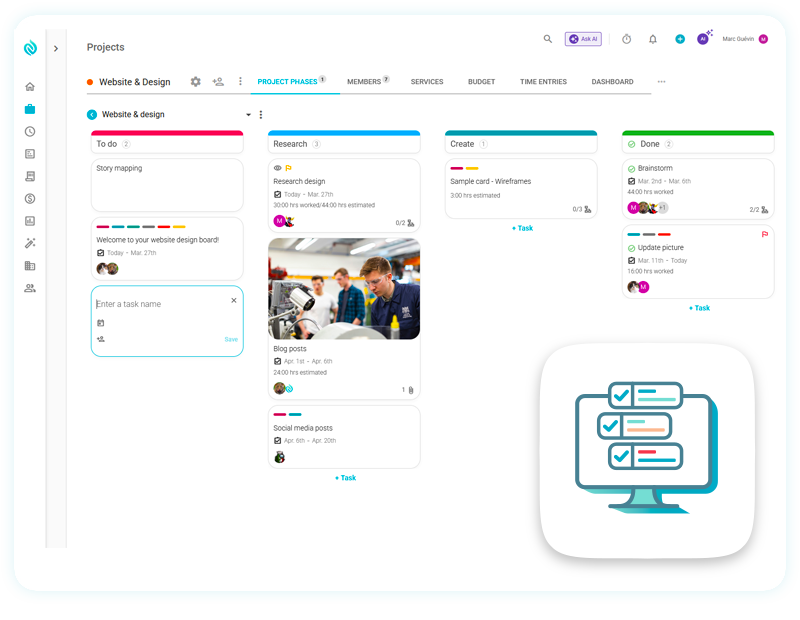
Organize and manage your projects with boards, project phases and tasks to reflect your project workflow. Invite your team members, clients and concerned people to collaborate and comment on different tasks. Communicate without the hassle.
- Gather everything that matters to your project into one cohesive place
- Keep track of the overall project’s progress
- Keep your team busy and productive
- Adapt the collaborative boards to your preferred project workflow
Run every project from one powerful platform
Nutcache unifies project planning, task management, time tracking, budgeting, team collaboration, and invoicing in one seamless platform—helping teams stay organized, work more efficiently, and keep projects profitable.
30k+
99.9%
100+
Projects managed
Uptime SLA
Countries
Deliver projects on time and within budget
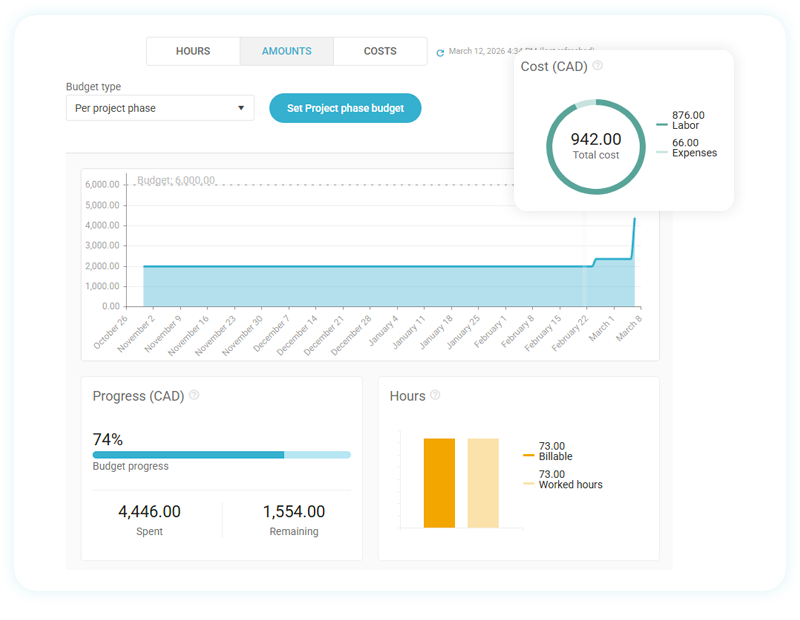
Ensure a better understanding about how the human and financial resources are used throughout the project’s progress. Get at a glance an overview of the budget spent by task or by member, the incurred expenses and the billed/billable amounts.
- Set budget tracking by hours, amounts or costs
- Define budget alerts
- Keep track of the overall project’s progress
- Avoid budget overrun
Project management software for engineering teams
From civil and mechanical to chemical and electrical, Nutcache is a perfect fit for any engineering teams managing projects with many team members. Companies in the list below are already working with Nutcache.
- Mechanical engineering
- Electrical engineering
- Civil engineering
- Technical engineering
How Nutcache differs from other engineering project management software?
Not only do we provide all of the tools you need to complete your engineering projects from beginning to end, but Nutcache’s Agile solution also allows you to grow knowing that we will always be there for you.
1
Integrated software
We offer one of the best all-in-one project management and collaborative software on the market. Nutcache provide an integrated workspace to manage engineering projects every step of the way.
2
Monitor budget and control cost
With our project budgeting module, you can easily access the financial tools needed to constantly monitor and manage the costs of your projects, making sure you stay within budget.
3
Powerful risk mitigation
Risks are part of engineering projects, and by knowing that, Nutcache allows you to be one step ahead and mitigate them, for example, by creating alerts to help you anticipate and avoid risks.
4
You grow, we follow
We’ll follow every step of your company’s growth and expansion and constantly learn and take action by your needs and recommendations for new features, regular updates and outstanding support.
Everything you need to run projects smoothly
Discover additional features designed to help you stay organized, work efficiently, and get more done with Nutcache.
Task management
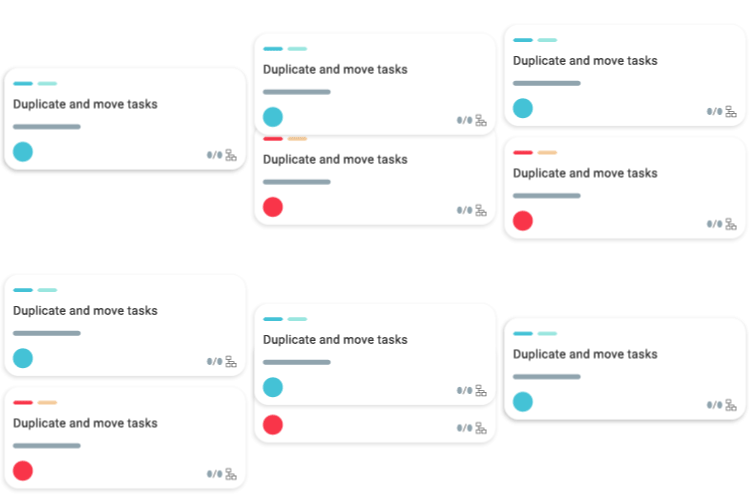
Manage tasks and track your work to organize your projects as efficiently as possible and deliver results faster.
Time tracking
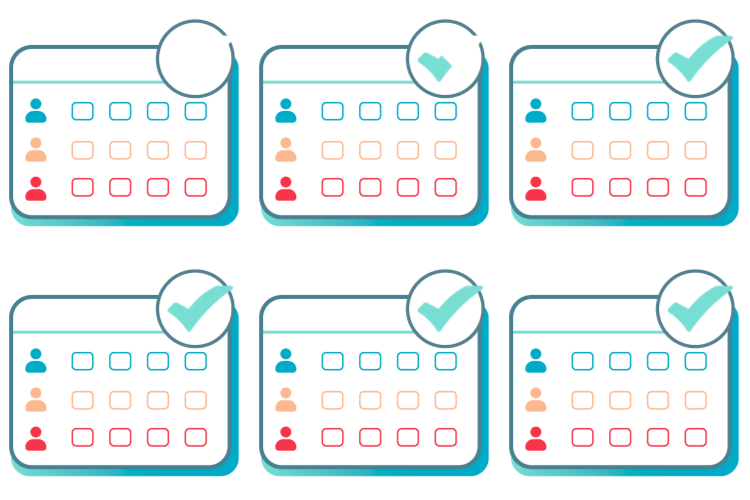
Capture the time you and your team spent on different tasks and easily add it to your client’s invoice.
Invoicing
Take advantage of phased billing based on project phase or task, ensuring a flexible and transparent invoicing process