


Invoicing built for your workflow
Easily bill your team’s worked hours and take advantage of phased billing based on project stage or task, ensuring a flexible and transparent invoicing process
No credit card required.
Choose your invoicing mode
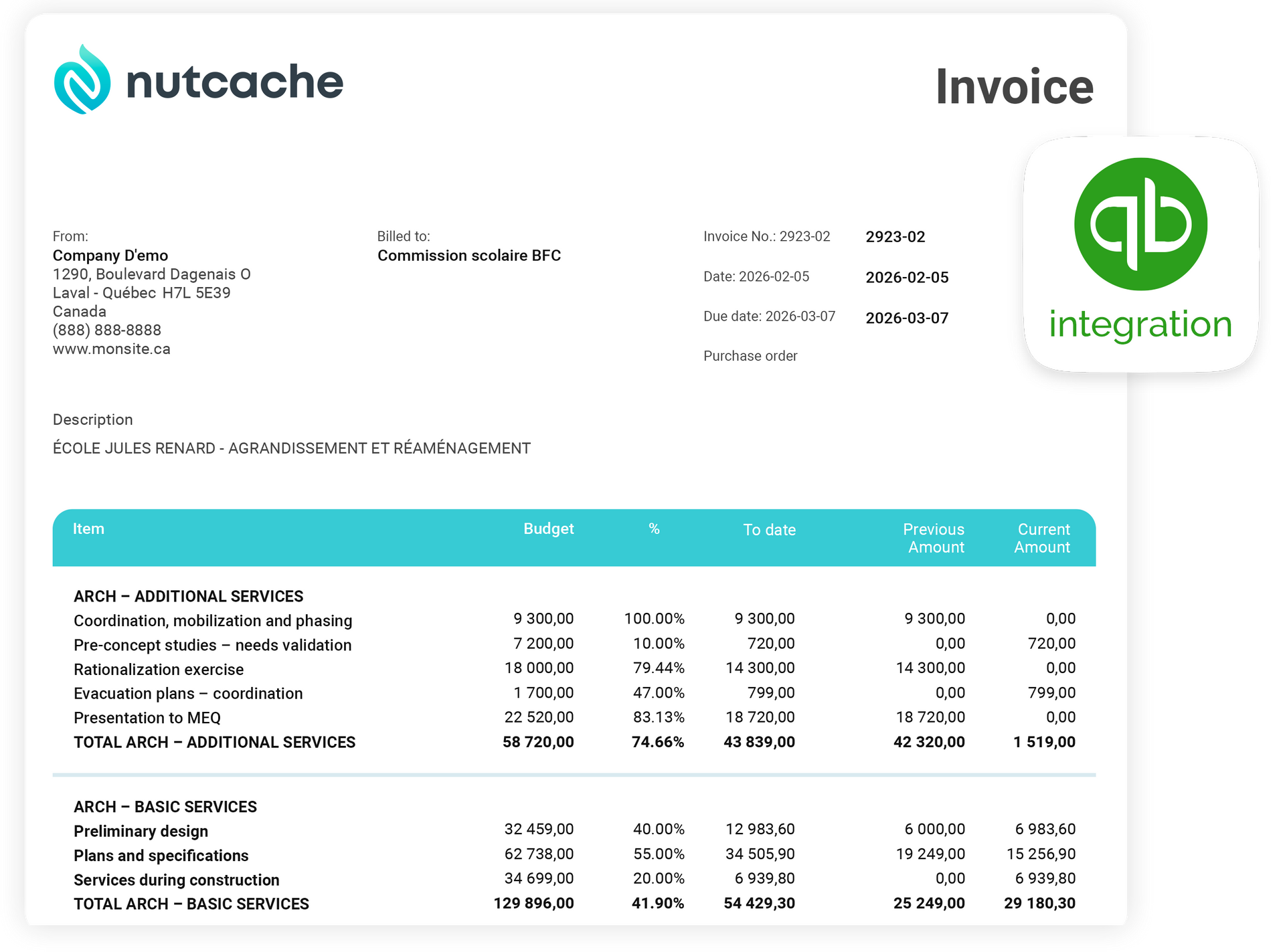
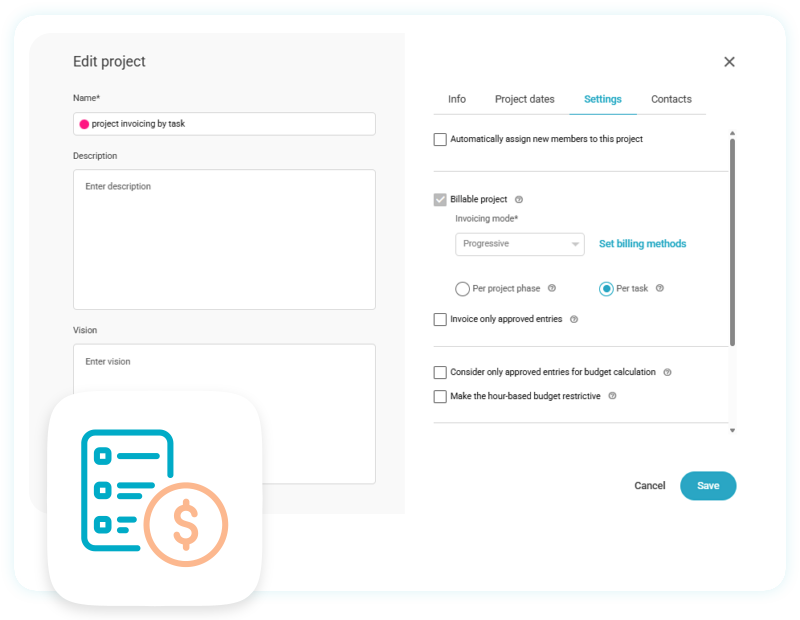
Nutcache gives you the flexibility to invoice your clients the way that best fits your projects. In addition to the standard invoicing mode, you can opt for progressive billing. With progressive billing, you decide whether to invoice by project phase or by individual task, as they move forward toward project completion.
- Flexible invoicing tailored to each project
- Standard invoicing and progressive billing options
- Bill by project phase or by individual task
- Invoice work as it advances toward completion
Set recurring invoices
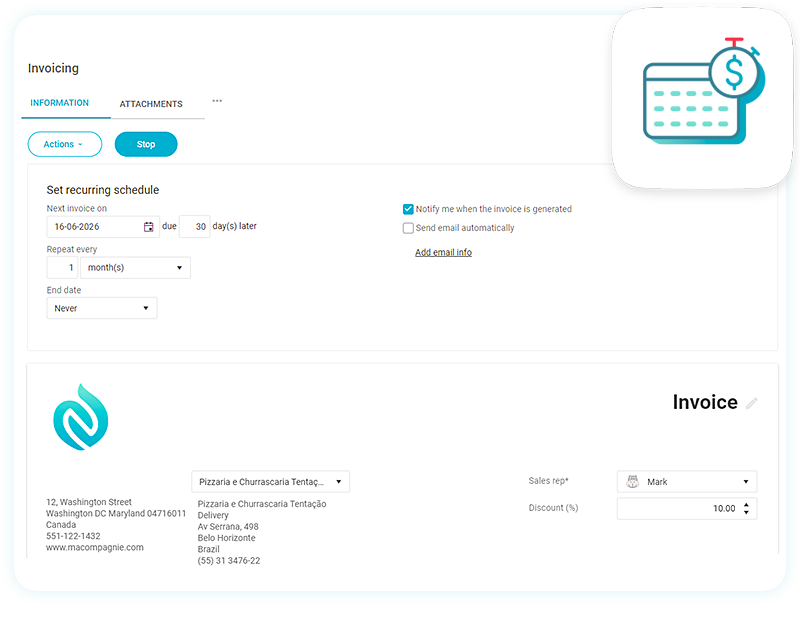
Create recurring invoices effortlessly, whether starting from scratch or using an existing invoice as a template. Automate the sending process so invoices are delivered to your clients on time, every time, without manual intervention. This helps reduce repetitive administrative work, maintain a consistent billing cycle, and improve cash flow by ensuring payments are requested promptly and reliably.
- Create recurring invoices from scratch or from an existing invoice template
- Automate invoice sending to ensure timely delivery to clients
- Cut down on repetitive administrative and billing tasks
Track overdue invoices
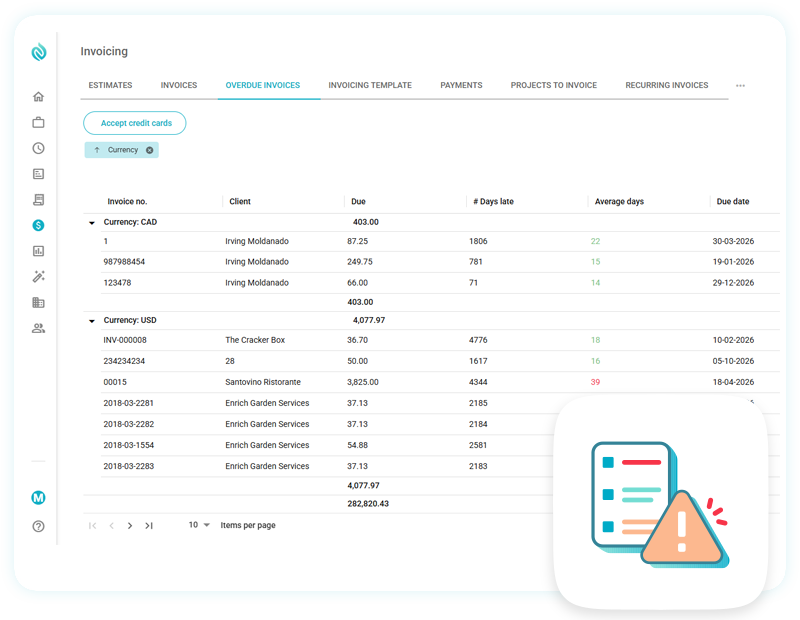
Nutcache allows you to quickly track overdue invoices and send reminders to your late-paying clients. You can access all your overdue invoices from one convenient place, and average payment delay data on your clients will allow you to keep an eye out for particularly unruly clients.
- Track all overdue invoices from one centralized location
- Send reminders to late-paying clients quickly and efficiently
- Monitor average client payment delays to spot risky payment habits
- Identify chronic late payers earlier and manage collections proactively

Run every project from one powerful platform
Nutcache unifies project planning, task management, time tracking, budgeting, team collaboration, and invoicing in one seamless platform—helping teams stay organized, work more efficiently, and keep projects profitable.
88k+
99.9%
100+
Invoices submitted
Uptime SLA
Countries
Accept credit cards and online payments
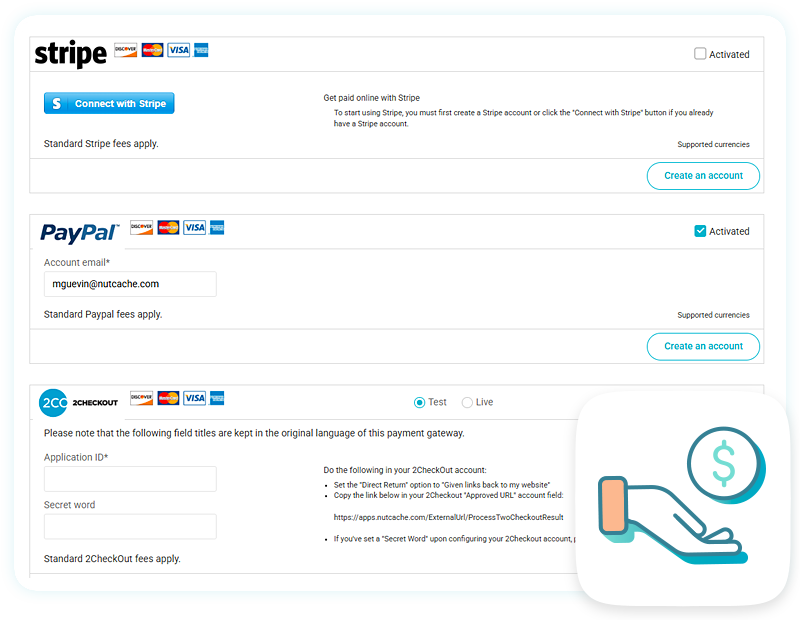
Get paid faster by giving your clients convenient, secure ways to settle their invoices online. Nutcache lets you accept credit card payments and online transactions through trusted providers like PayPal, Stripe, Authorize.net, and 2Checkout, making the payment process smoother and more accessible. By offering multiple payment options, you reduce friction for clients, encourage faster payments, and improve your overall cash flow.
- Accept credit card and online payments through trusted providers
- Reduce payment friction and make checkout faster and more convenient
- Encourage quicker payments and improve cash flow
Send professional invoices
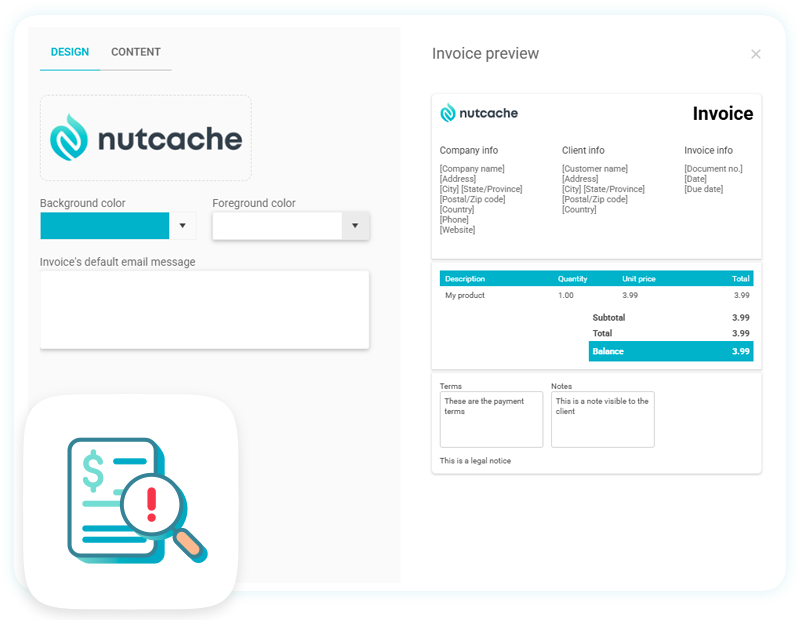
Deliver a polished online invoicing experience that reflects the professionalism of your business. Nutcache lets you create and send unlimited invoices and estimates, customize them with your company logo, and choose from six supported formats to suit your clients’ needs. This gives you a simple, flexible way to strengthen your brand and make billing more efficient.
- Create and send unlimited professional-looking invoices and estimates
- Offer clients a polished online invoicing experience that reflects your brand
- Customize documents with your company logo for stronger brand consistency
- Send invoices in one of six supported formats to suit different client needs
Everything you need to run projects smoothly
Discover additional features designed to help you stay organized, work efficiently, and get more done with Nutcache.
Task management
Manage tasks and track your work to organize your projects as efficiently as possible and deliver results faster.

Time tracking
Capture the time you and your team spent on different tasks and easily add it to your client’s invoice.

Cost tracking
Track the cost of a project based on work hours at any time while the project evolves.